

GTA 6 Too Much Baggage sends Jason to Vice City International for a baggage-handler shift after Making Gainz. Meet Andrea at the office by the north gate, work with Omar and plant the Wi-Fi cloner behind the toilet in the restroom next to the security office. Return to Omar and confirm that you want the job to finish.
Put the Wi-Fi cloner behind the toilet in the restroom next to the security office.
Mission info
- Mission
- 70 of 93, Chapter 4, mission 9 in the chapter
- Type
- Main story mission
- Character
- Jason
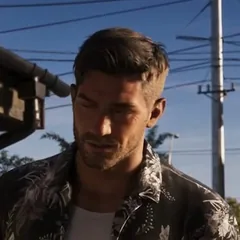 Jason Duval
- How it starts
- As Jason, follow Andrea’s airport call and report for orientation at the north gate office.
- Unlocks after
- Making Gainz, followed by Andrea’s call.
- Location
- Vice City International Airport, north gate staff entrance
- Reward
- No mission cash payout shown
- Trophy
- None
- Required for 100%
- Yes
- Previous
- Making Gainz
- Next
- Watch It
Before You Start
- Use Jason. Finish Making Gainz and follow the airport call to the north gate. The map task is called Scope Out the Airport.
Objectives at a Glance
Too Much Baggage Walkthrough
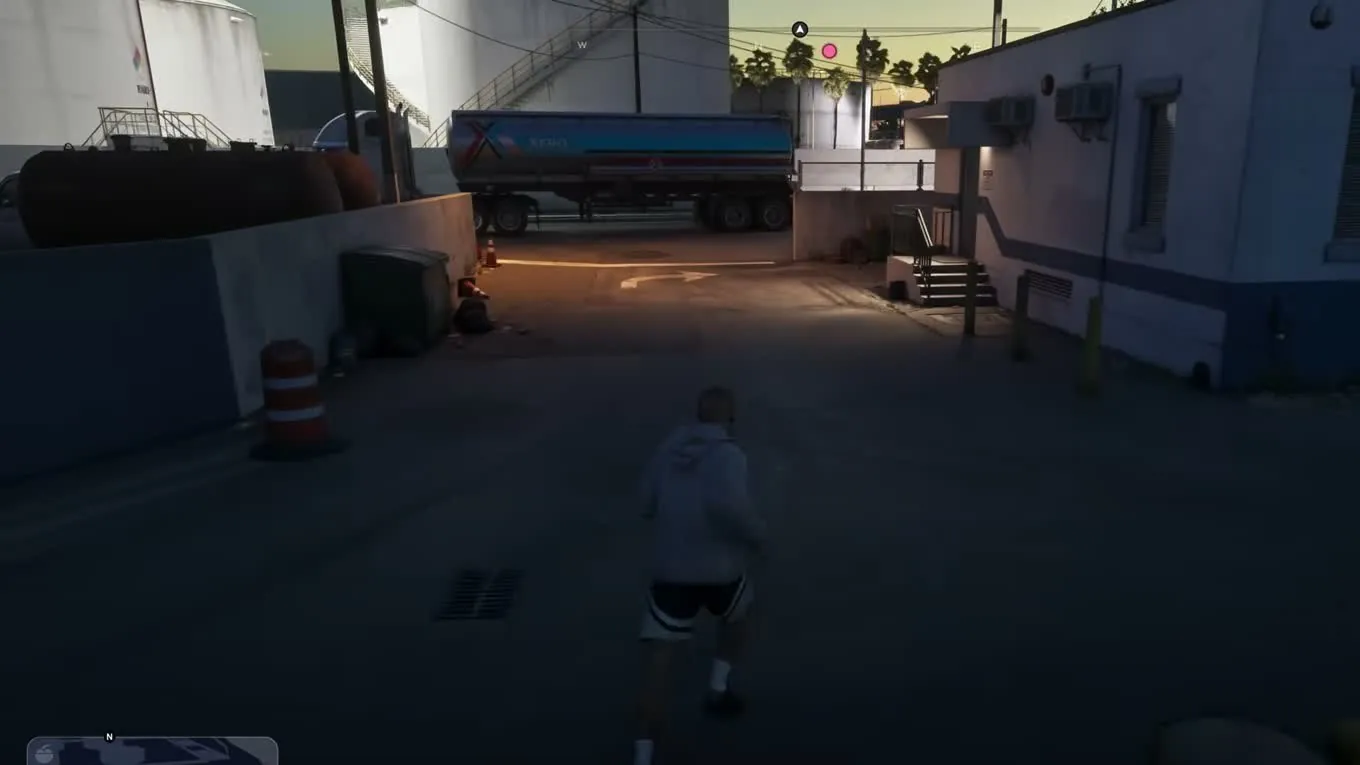
1Go to the office
- Tell the north gate guard you are there for orientation and cross the staff car park to meet Andrea at the office.
2Ride with Omar
- Let Andrea’s introduction finish, change for the shift and ride with Omar while Karim explains the camera glasses.
- Listen for the warehouse entrance as Omar drives through the airport.
3Get in the baggage tug
- Follow Omar to the small baggage tug and get in when he tells you to bring it over.
4Attach the trailers to the baggage tug
- Align the tug with the first trailer and reverse slowly until the hitch connects.
- Straighten the tug and attached trailer before reversing into the second trailer.
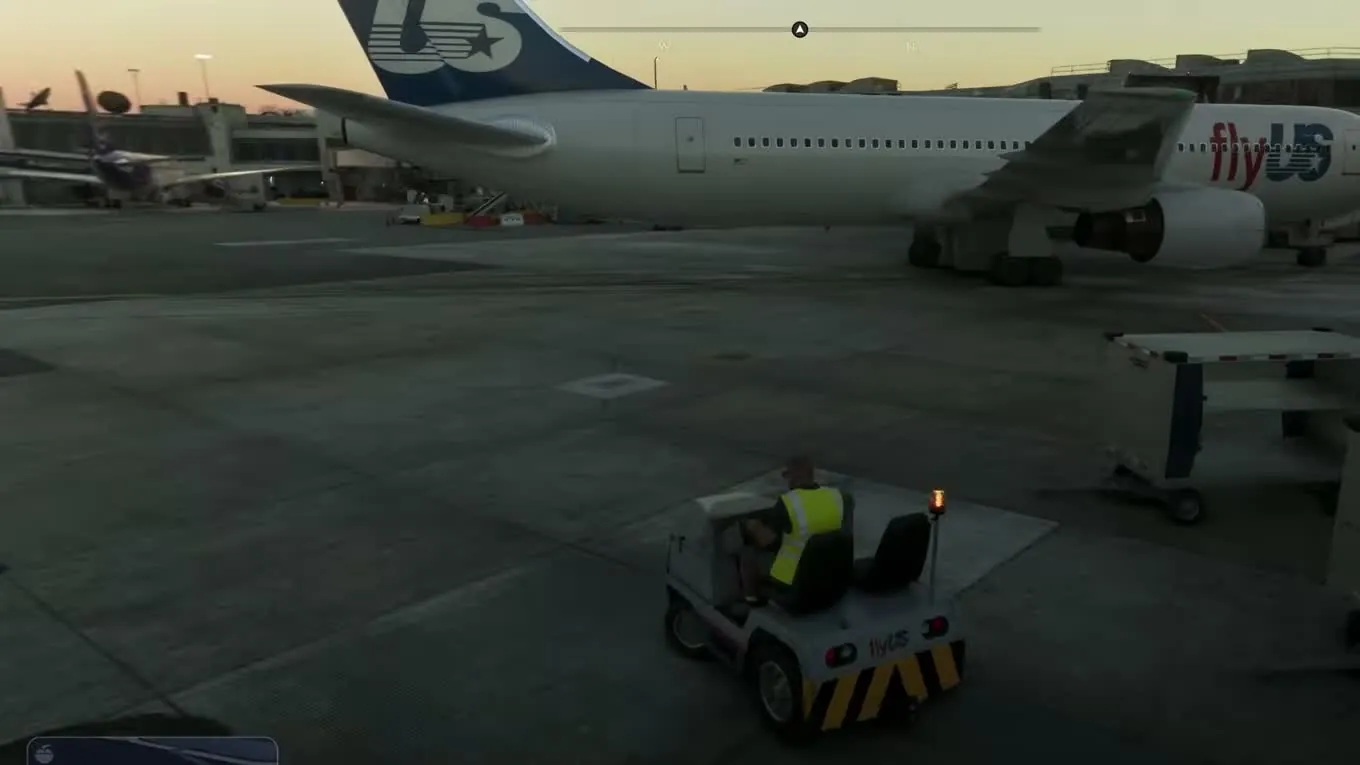
5Go to the plane
- Follow the marked route with both trailers and stop beside Omar’s crew at the plane.
6Pick up the bag
- Pick up a suitcase and follow the displayed throwing instruction to pass it to Omar.
- Release the throw while the power indicator reaches the marked zone and repeat until the loading sequence ends.
7Go to the loading bay
- Drive back into the terminal, let Jason request his break and leave the baggage hall through the fire doors toward the loading bay.
8Go to the security office
- Climb the loading bay stairs and find the office on the right before the lift.
- Let Jason explain that the other toilet is blocked, then enter the restroom beside the office.
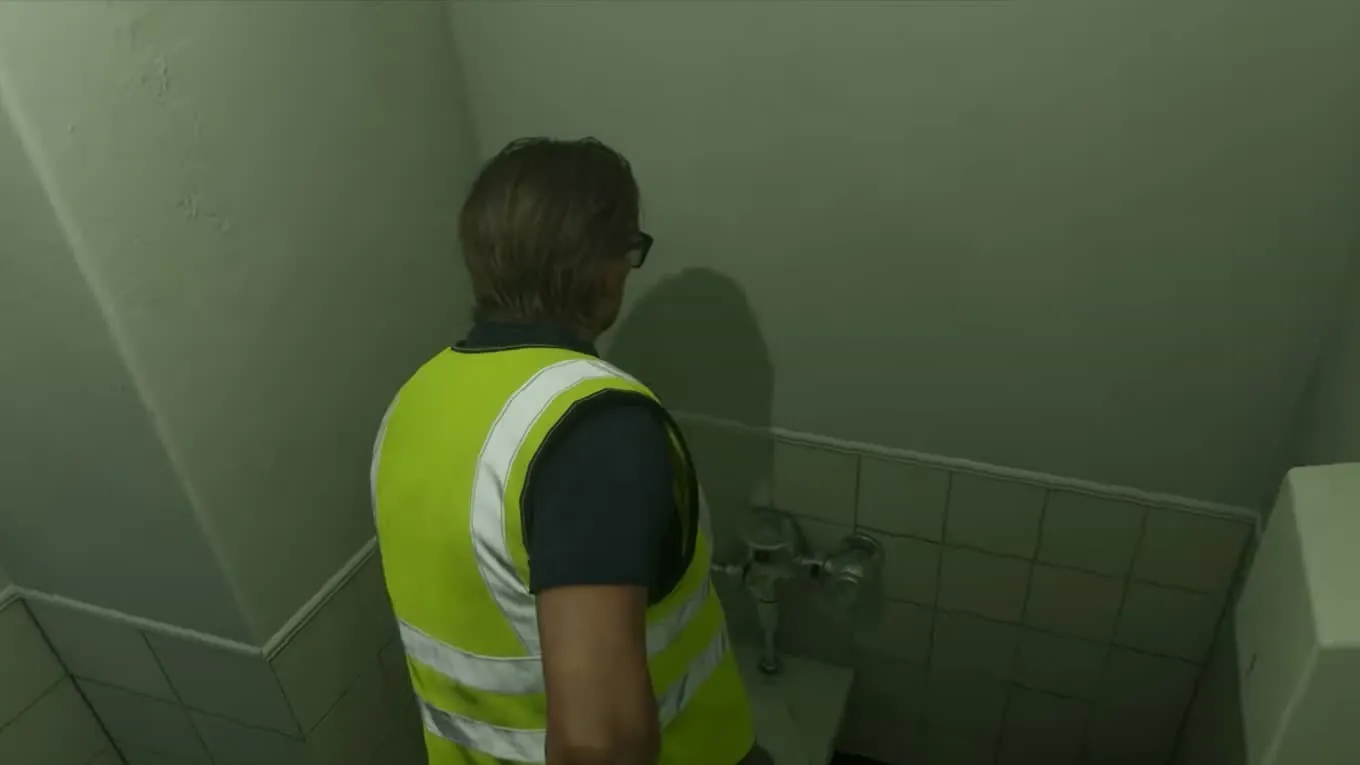
9Plant the device
- Approach the back of the toilet and use the interaction prompt to plant the Wi-Fi cloner.
10Return to Omar
- Leave the restroom and return to Omar in the baggage hall.
11Talk to Omar
- Focus on Omar and answer that you want the job, repeating the response when he asks you to say it louder.
- Let the shift montage and the conversation in the staff car park finish.
Tips
Troubleshooting
Why won’t the trailer attach?
Back into the tow bar in a straight line. Pull forward to reset the angle if the trailer starts folding sideways.
Why can’t I plant anything at the computers?
Move into the restroom next to the security office and approach the back of the toilet. The desks are outside the plant interaction.
Rewards
No mission cash payout is shown at the end of the shift. Completing the airport task and Cash Injections allows the Dirty Work thread to continue.
GTA 6 Too Much Baggage Chapter Route
See the Chapter 4 missions and the missions hub for the wider route. The previous Story Recap entry is Making Gainz and the next is Watch It. Parallel jobs can be completed in a different order.
Andrea equips Jason with camera glasses and an earpiece so Karim can observe the airport. Jason places a Wi-Fi cloner near the security network, giving Raul’s crew access while maintaining his cover as a baggage handler.
What Comes Next
Mission 71 · JasonWatch ItThe next Story Recap page is Watch It. Dirty Work needs both this airport job and Cash Injections.Read the walkthroughShort on cash? Our Story Cash Boost puts cash in Jason’s and Lucia’s pockets and fills the BuckMe checking they share, on the save you already play. Your story progress stays where it is. Prefer a fresh start? Try the Story Mode Modded Save.
Get the Cash BoostGTA 6 Too Much Baggage FAQ
Yes. Scope Out the Airport is the map task for Too Much Baggage.
Andrea meets Jason at the office before Omar takes him into the airport.
Attach two trailers. Omar requires both for the trip to the plane.
No. Return to Omar and tell him you want the job, then let the closing shift scenes finish.

I grew up on frame drops, boss fights, and midnight queues. Now I write about games with the same energy I once saved for ranked.