

GTA 6 Moses starts when Lucia takes a suitable vehicle to Watkins Auto Parts after Girls’ Trip. Bring a low-key car without a tracker, scan the three yard vehicles and use the Slim Jim on the Montagne XL. Choose your free car carefully: the first registration is free, and later registrations cost money.
Choose a car you want to keep before accepting the free registration. Moses offers the car you arrived in, another suitable car you fetch, or the Montagne XL in the yard. Later registrations have a fee.
Mission info
- Mission
- 27 of 93, Chapter 2
- Type
- Main story mission
- Character
- Lucia
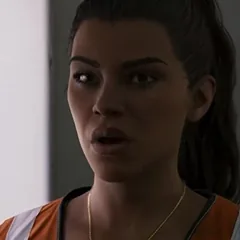 Lucia Caminos
- How it starts
- Take a Vehicle to Moses at Watkins Auto Parts
- Unlocks after
- Girls’ Trip
- Location
- Port Gellhorn, Kelly County
- Reward
- Slim Jim, one free personal-car registration, car selling and Scooter Bros
- Trophy
- None
- Required for 100%
- Yes
- Previous
- Girls’ Trip
- Next
- Daily Driver
Before You Start
- Bring a suitable car. After the introduction from Vicki, take a low-key vehicle to Watkins Auto Parts. Check its tracker status with WAiNK and lose any wanted level before arriving.
- Look for an untracked vehicle. The required target is a suitable vehicle, rather than one fixed model. Avoid causing trouble immediately around the shop.
Objectives at a Glance
Moses Walkthrough
Button prompts below follow your controller choice.
1Take a vehicle to Moses
- Drive a suitable untracked vehicle into Watkins Auto Parts and speak to Moses.
2Scan the yard vehicles
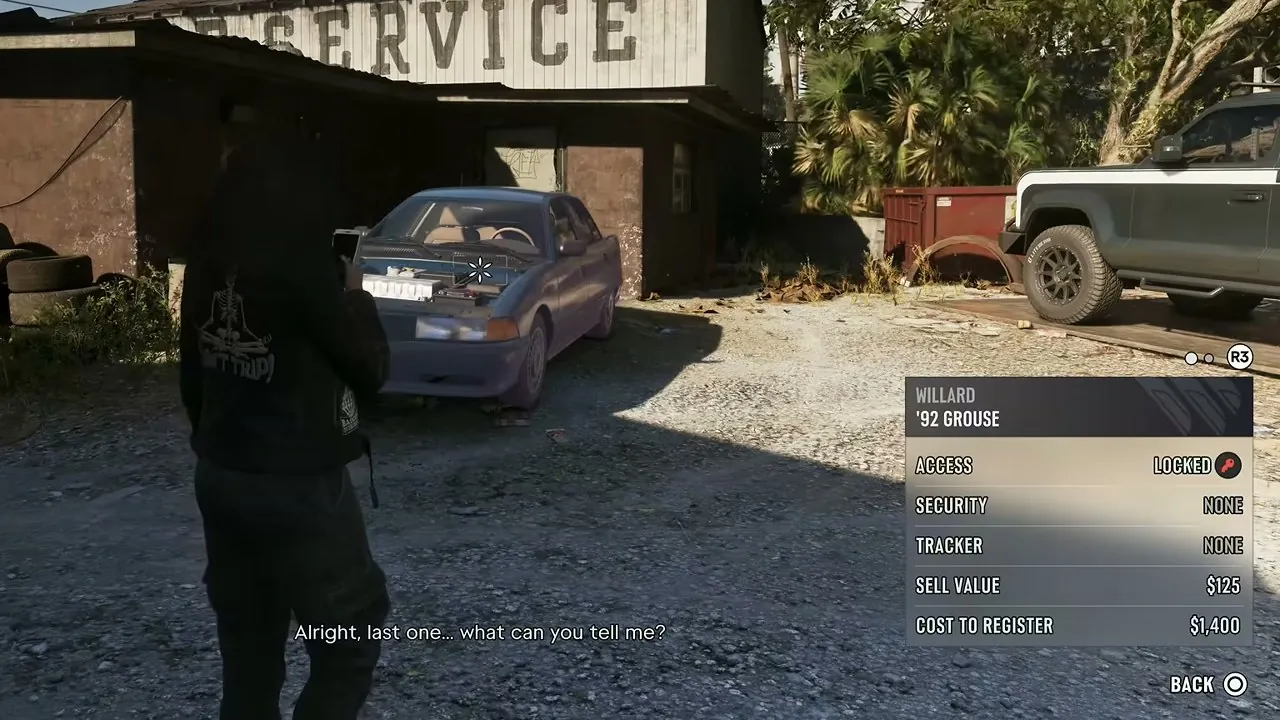
- Follow Moses outside and hold D-pad UpD-pad Up to open WAiNK.
- Scan all three marked vehicles and read the Access, Security and Tracker lines separately.
3Take the Slim Jim
- Pick up the Slim Jim beside Moses when he directs you to it.
4Break into the Montagne XL
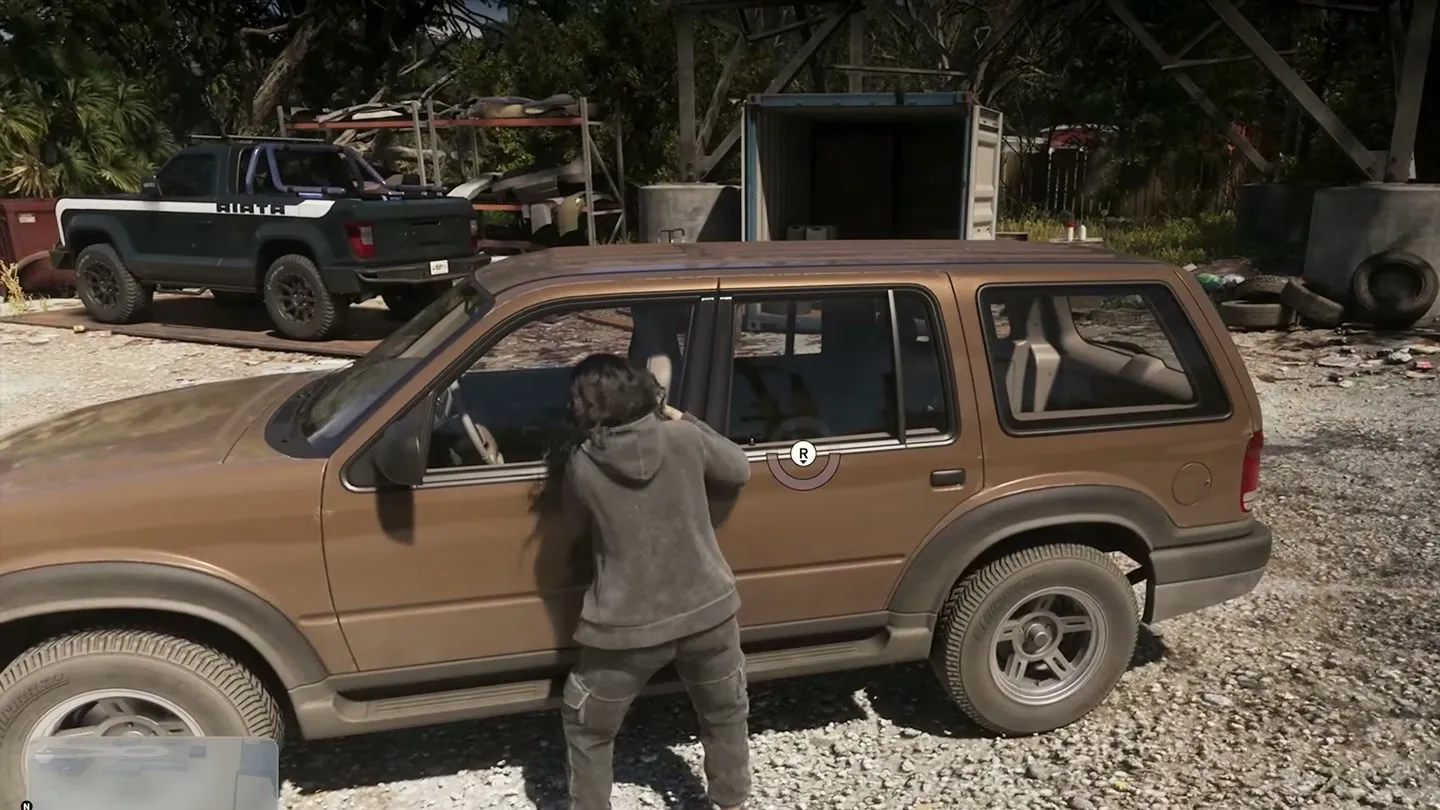
- Approach the Montagne XL, choose the Slim Jim interaction and move the right stick until the lock meter responds.
- Finish opening the door, then follow Moses back inside.
5Respray and register your car
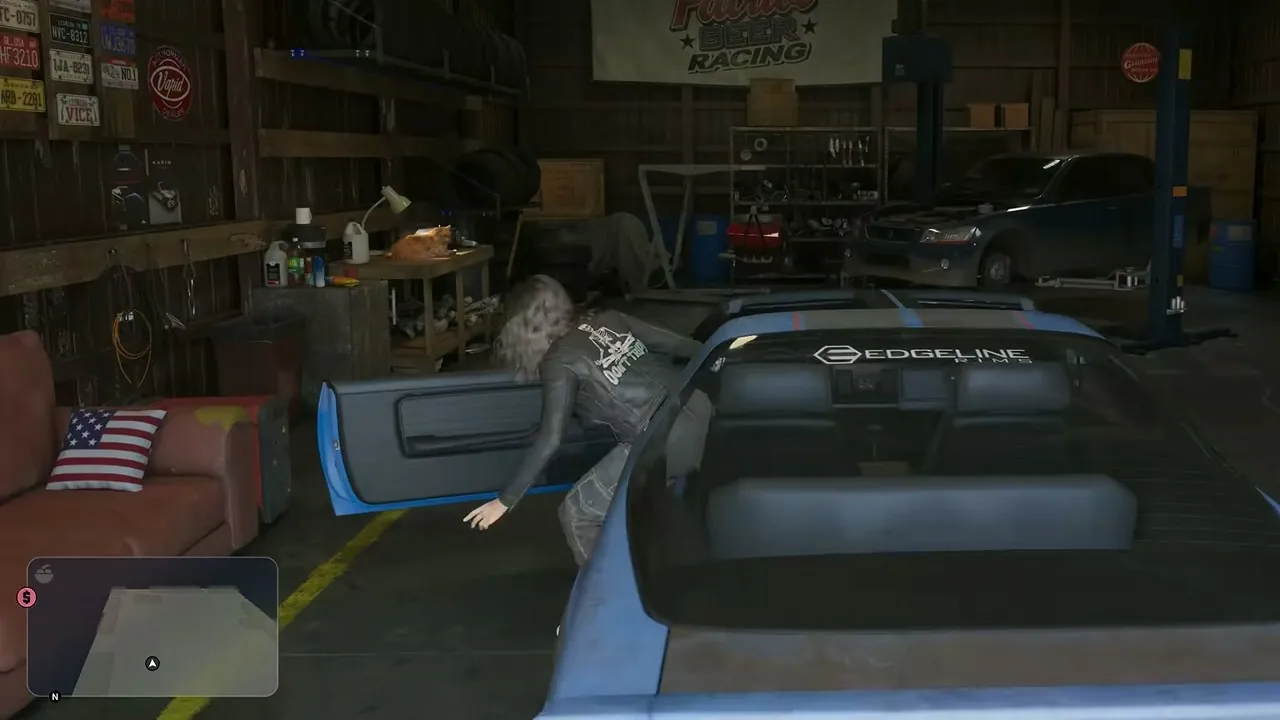
- Choose whether to keep the car you brought or fetch another suitable car before accepting the free offer.
- Use the shop menu to respray your chosen car and finish registration as your personal vehicle.
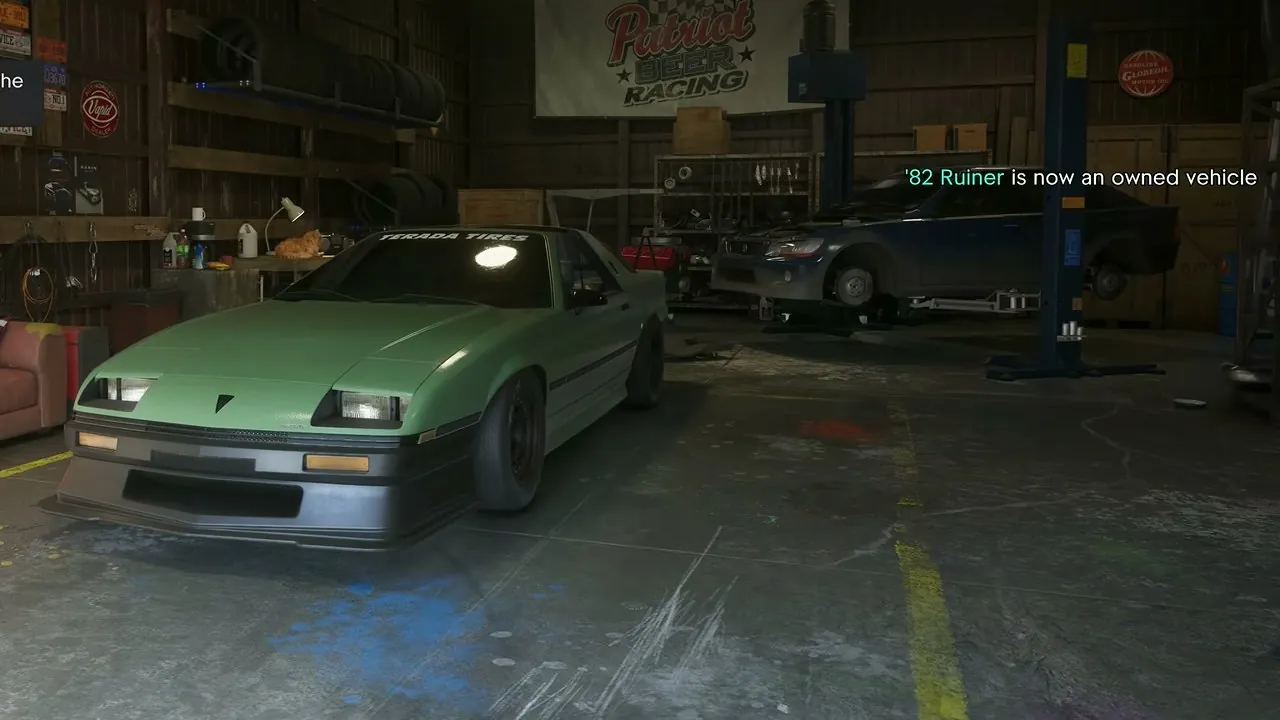
GTA 6 Moses Tracker Checks
Read Tracker separately from Security. Security reports the alarm, while Tracker reports the tracking device. A sale estimate on the scan does not override the tracker restriction.
Best Approach and Outcomes
Choose an untracked car that you want to keep and use the free registration on that vehicle. The two checked routes register different models, so there is no single required personal car.
An alarm and a tracker are different fields. The Montagne XL lesson demonstrates a car with an alarm that can still be opened quietly using the Slim Jim.
How Car Selling Works
After Moses, bring suitable untracked stolen vehicles to Watkins Auto Parts to sell them. Scan first and inspect the Tracker and Sell Value fields before deciding whether a car is worth taking.
Selling pays you for a vehicle. Registering makes it a personal vehicle and costs the displayed fee after the one free offer. Choose the appropriate shop service before confirming.
Scooter Bros becomes available after the first registration and provides access to your personal ride. This mission also introduces the sale and registration values in WAiNK.
See selling cars for the wider money system and the vehicles hub for vehicle information.
- Prefer low-key vehicles that fit Moses’ request for older models without trackers.
- Look for a quiet theft opportunity and avoid bringing a police pursuit to the shop.
- Check the quoted registration fee before committing to another personal car.
Troubleshooting
Moses will not take my car.
Scan it and read Tracker, rather than relying on the sale price alone. Bring a suitable vehicle without a tracker and clear any wanted level before returning.
Why does the Slim Jim lesson use an alarmed car?
The tool can open that car quietly without smashing its window. An alarm is separate from a tracker, so check both scan fields.
The registration fee is no longer free.
The free registration is a one-time introductory offer. Later registrations use the fee quoted for that vehicle.
Rewards
Moses gives Lucia the Slim Jim, one free registered personal vehicle and the Scooter Bros app. Suitable untracked stolen cars can then be sold at his shop. No separate mission cash award or trophy is shown.
Vicki directs Lucia to Moses Watkins when she needs a car and work in Port Gellhorn. Moses tests her ability to identify suitable cars and enter one quietly. Once satisfied, he helps register her first personal vehicle and offers a way to earn money by bringing him stolen cars.
What Comes Next
Mission 28 · LuciaDaily DriverDaily Driver begins after Moses sends the Crawler request. Continue other Chapter 2 work while waiting for the next Slam Dunk lead, using the mission list for Story Recap order.Read the walkthroughShort on cash? Our Story Cash Boost puts cash in Jason’s and Lucia’s pockets and fills the BuckMe checking they share, on the save you already play. Your story progress stays where it is. Prefer a fresh start? Try the Story Mode Modded Save.
Get the Cash BoostGTA 6 Moses FAQ
No single model is required in the checked runs. They arrive and finish with different suitable vehicles, and Moses explicitly lets Lucia fetch something else.
No. It is the Slim Jim practice target and an offered registration option. You can keep another suitable car instead.
Yes, if it meets the other requirements and has no tracker. The lesson distinguishes an alarm from a tracker.
WAiNK can display a value even when Moses will not accept the vehicle. Check the Tracker line before taking it to him.
Registration keeps the car as a personal vehicle. Selling is the service that pays you.
After the introductory free registration. Check each vehicle’s quoted Cost to Register because the price varies.
It gives access to the newly registered personal ride through the phone. Moses sends the app as the registration sequence finishes.

I grew up on frame drops, boss fights, and midnight queues. Now I write about games with the same energy I once saved for ranked.