Try: bot lobby, unlock all, accounts.

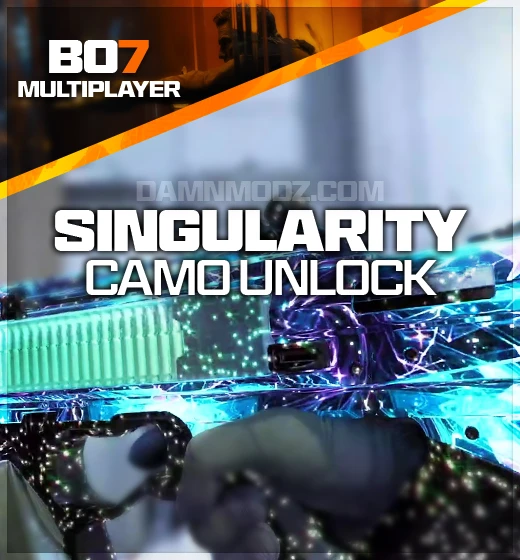
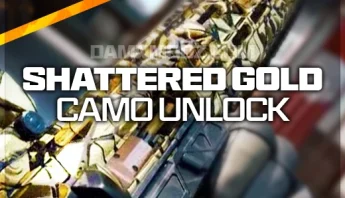
The BO7 Singularity Camo unlock is not just the final camo applied in isolation. For the base-weapon package, the order covers the full Multiplayer mastery chain across all base weapons: Military Camos, Shattered Gold, Arclight, Tempest, and Singularity, plus 50 account levels.
That matters because Singularity is the finish line, but the grind underneath it is where most of the time goes. We complete the chain through real Multiplayer gameplay on your existing account, so the result is earned by a real player in standard lobbies instead of being pushed through tools, hacks, unlock software, or third-party methods.
The 1-3 day delivery window is part of that manual approach. It takes longer than an instant unlock because someone is actually playing the camo challenges, but that is also the reason the service is built around account safety. Other Black Ops 7 services sit in the BO7 category, the BO7 bot lobby page fits buyers who want to grind some progress themselves, and the wider Call of Duty section covers the rest of the series.
Stay logged out while delivery is active unless our team tells you otherwise in chat. Logging in during a live session can interrupt the manual camo work.
The base-weapon package includes Singularity, Tempest, Arclight, Shattered Gold, and all Military Camos for every base weapon, plus 50 account levels. It is the full Multiplayer mastery chain, not only the final camo tier.
The camos are earned manually by a real player in standard Multiplayer lobbies. That takes longer than an instant tool-based unlock, but it is the safer delivery method because the challenges are played out normally.
No. The service is performed through real gameplay. We do not use cheats, hacks, unlock tools, or third-party software for this camo unlock.
Stay logged out while the order is being worked unless our team says otherwise in the direct chat. Our team will let you know when the delivery is complete and it is safe to log back in.
The main package is for all base weapons. Seasonal and DLC weapons are separate selections or add-ons when they appear on the live product form, so choose those options if you need post-launch weapons covered too.
Select the platform, game version, package, and product options shown on the page.
Check the selected package, price, and account details before placing the order.
Use the confirmation details and any product-specific order notes after checkout.
Watch your order messages or email for updates tied to the selected product.


Order with confidence - DamnModz has helped gamers safely buy services, accounts, and unlocks since 2015.
It is quick and simple - find the right product for your favorite game, complete secure checkout, and our team gets your order moving.