Try: bot lobby, unlock all, accounts.

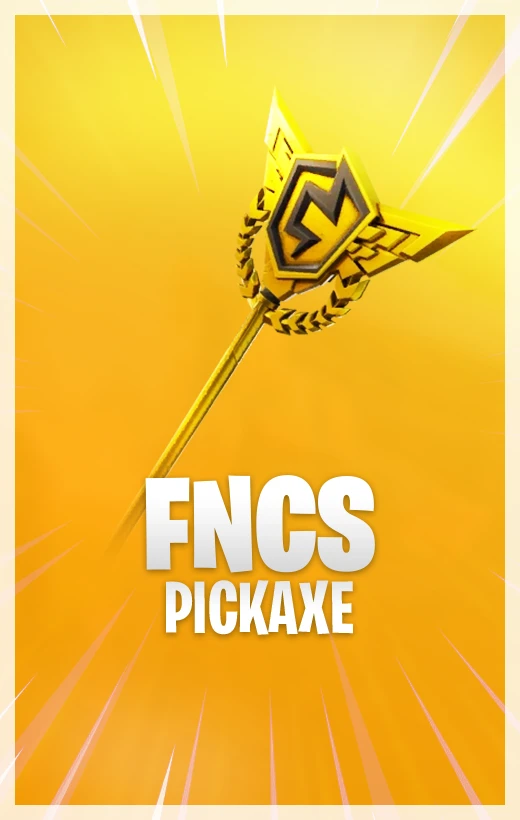
FNCS cosmetics sit in a different corner of Fortnite collecting. They are tied to the competitive scene, not just the daily shop rotation, so the appeal is part item, part event history, and part locker identity.
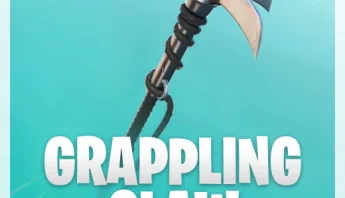
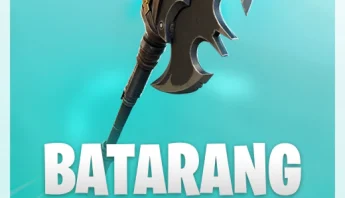
A pickaxe connected to Fortnite Champion Series has a quieter kind of flex. It tells other players you follow the competitive side of the game, or at least that your locker has taste beyond whatever was glowing in the shop that morning.
Epic support material for FNCS Pro-Am pickaxe codes points players back to the normal Epic Games code redemption process. That makes the Epic account the most important detail.
The account used for redemption is the one that matters. If your Fortnite locker is connected across console and PC, confirm those links before entering a code.
| Competitive Identity | FNCS items appeal to players who follow Fortnite beyond the Item Shop. |
|---|---|
| Account Bound Risk | The value lands on the Epic account used during redemption. |
| Search Intent | Players often search both the item name and how to get the cosmetic. |
| Current Terms | Always follow the active redemption instructions, since code terms can change. |
Use Epic Games redemption while signed into the Epic account connected to the Fortnite locker you want to use.
Treat the cosmetic as account-bound after redemption. Check the Epic account carefully before entering the code.
FNCS pickaxes are usually tied to specific competitive promotions, event access, or code redemption rather than normal Item Shop rotation.
Select the platform, game version, package, and product options shown on the page.
Check the selected package, price, and account details before placing the order.
Use the confirmation details and any product-specific order notes after checkout.
Watch your order messages or email for updates tied to the selected product.