Try: bot lobby, unlock all, accounts.

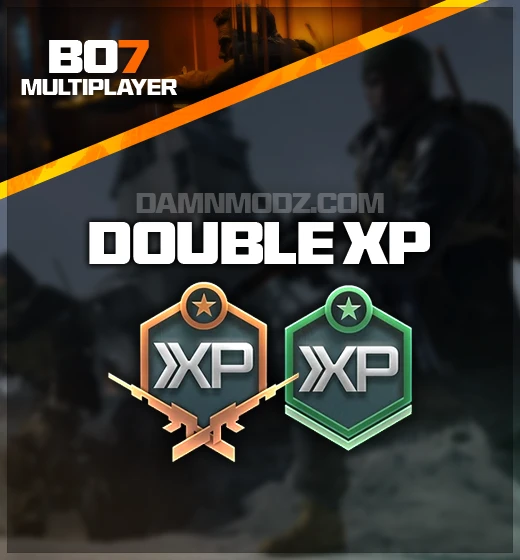
BO7 Double XP codes are at their best when you already know the grind target. Maybe the account needs early unlocks. Maybe a favorite weapon is behind. Maybe every match just needs to push the bar a little harder.
The code is only part of the job. The other part is making sure the Call of Duty account, linked platform, and redemption instructions all point to the profile that should receive the XP.
Activision support explains that Call of Duty promotional codes require a Call of Duty account and linked Gaming Network account, with some promotions using branded redemption links.
That account-link step is where buyers should slow down. The right code on the wrong profile is not progress; it is admin pain in a tactical vest.
| Rank Progression | For moving the account through levels and unlock paths. |
|---|---|
| Weapon Progress | For leveling weapons, attachments, and loadout readiness. |
| Season Catchup | For accounts that feel behind the current play cycle. |
| Linked Account Check | For confirming the Call of Duty and platform account before redemption. |
Use XP-focused codes when you have a target session in mind: ranking, weapon leveling, unlock cleanup, or catchup. Saving a code for an actual grind window usually beats burning it before you know what you are leveling.
They support XP-focused progression goals such as rank progress, weapon progress, unlock paths, or catching up an account.
Activision support says Call of Duty redemption flows rely on a Call of Duty account with linked Gaming Network accounts.
Check the Call of Duty account, linked platform, current redemption instructions, and the account goal for the XP.
Select the platform, game version, package, and product options shown on the page.
Check the selected package, price, and account details before placing the order.
Use the confirmation details and any product-specific order notes after checkout.
Watch your order messages or email for updates tied to the selected product.